Laptop Stickers and Decals
Give your laptop a dose of originality with glossy, matte, transparent, or holographic stickers. Get up to 40% off when you buy multiple small stickers.
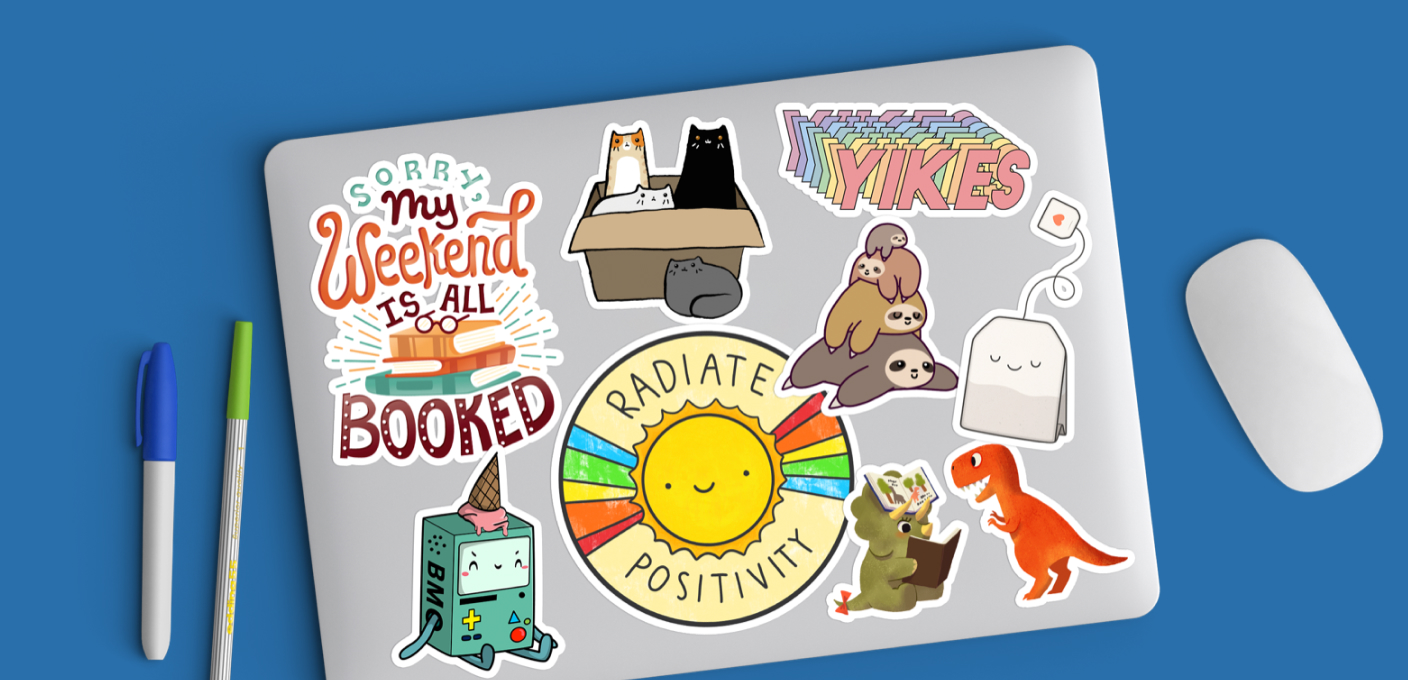

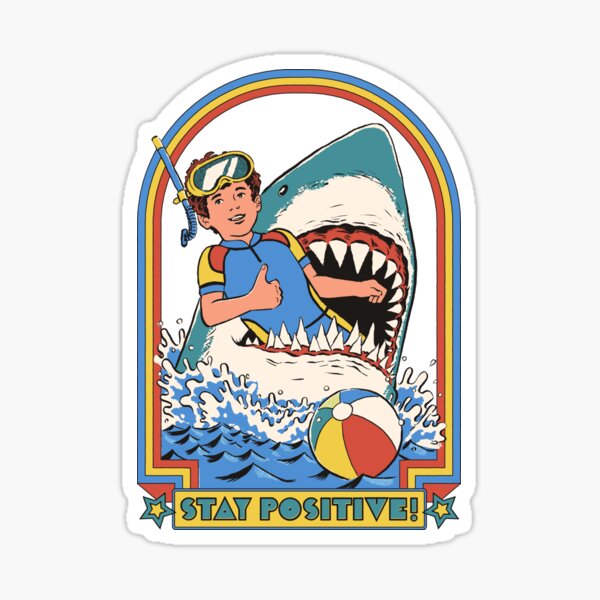
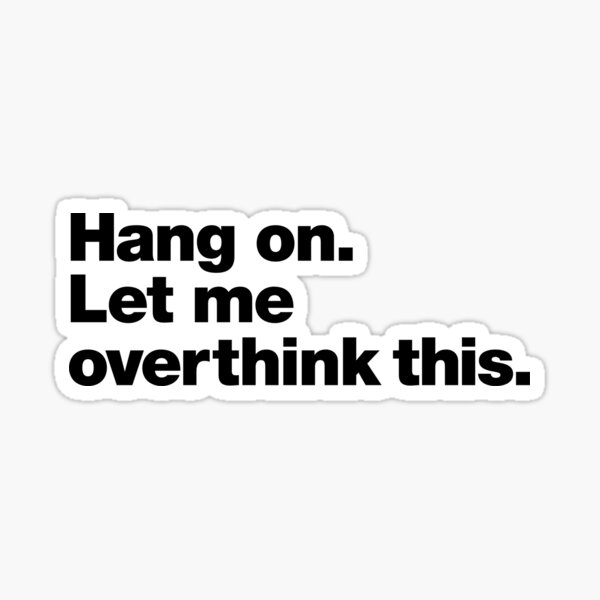
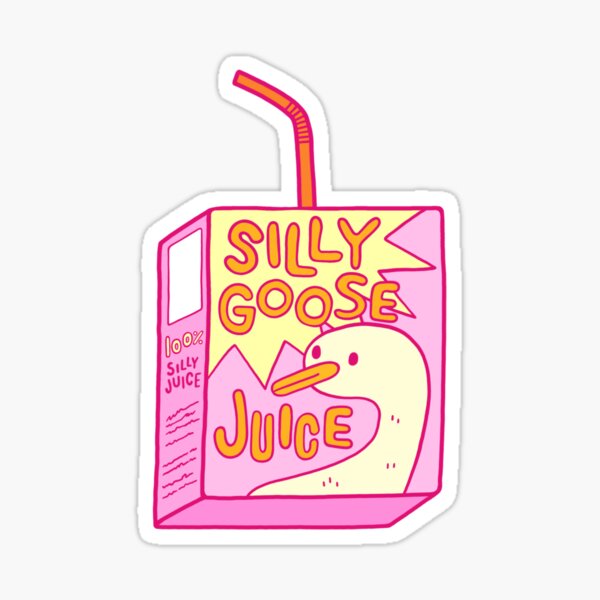






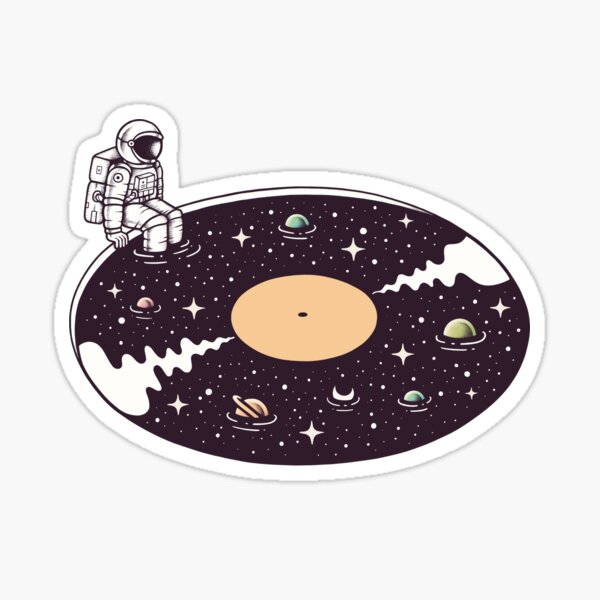


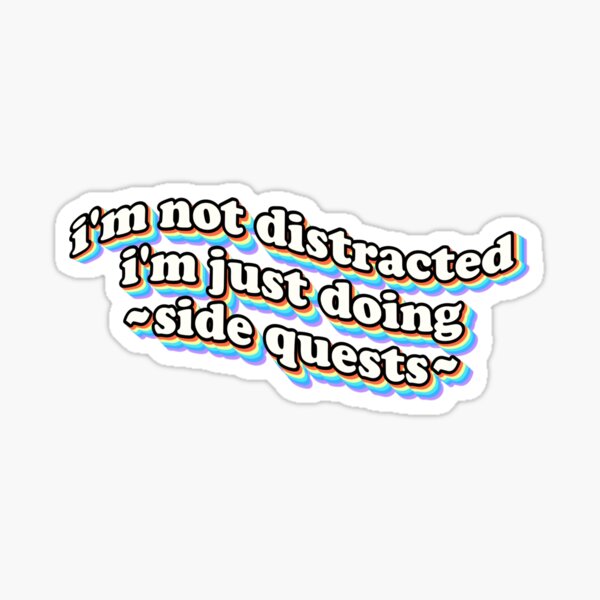



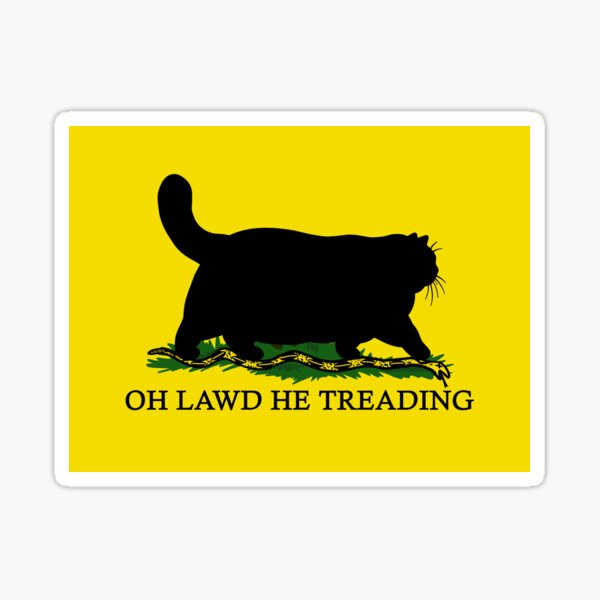


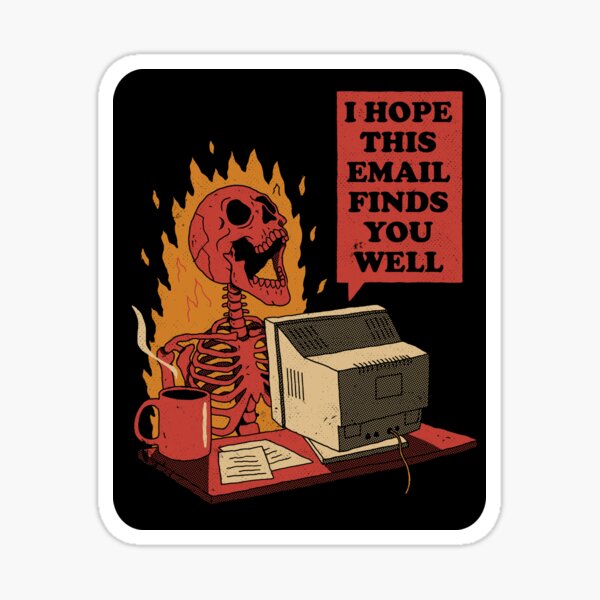

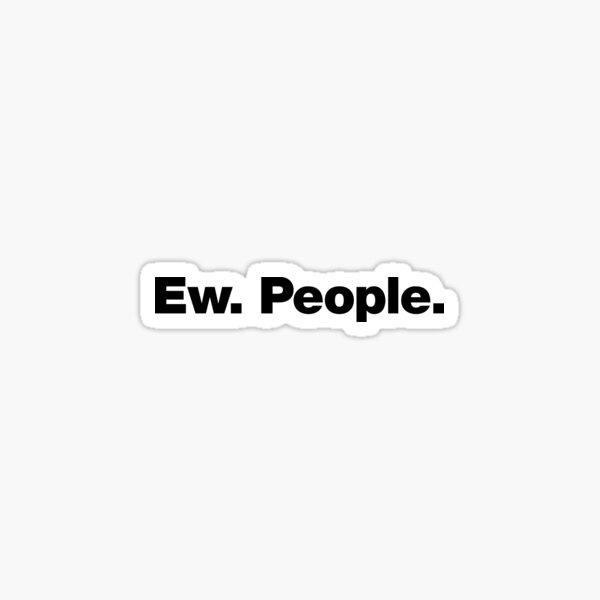
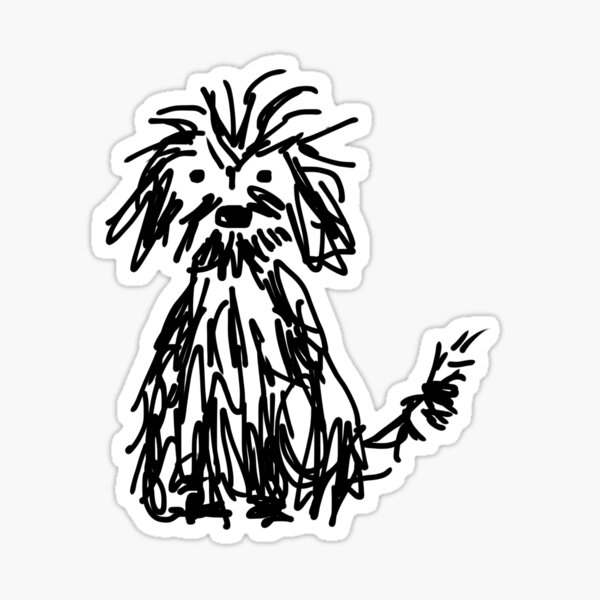



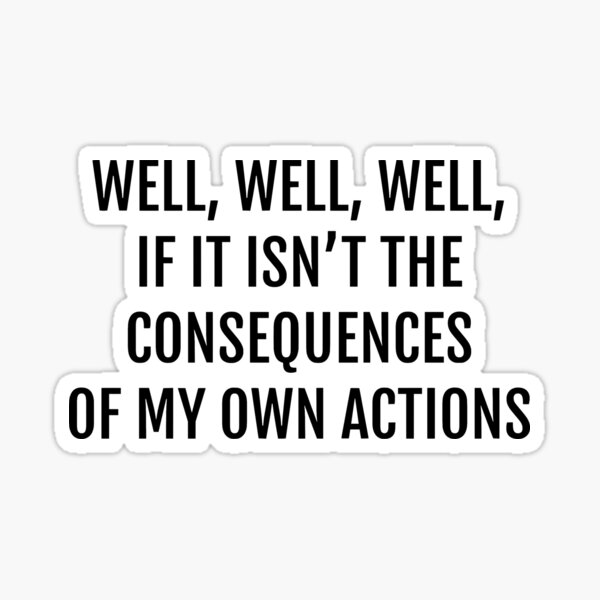
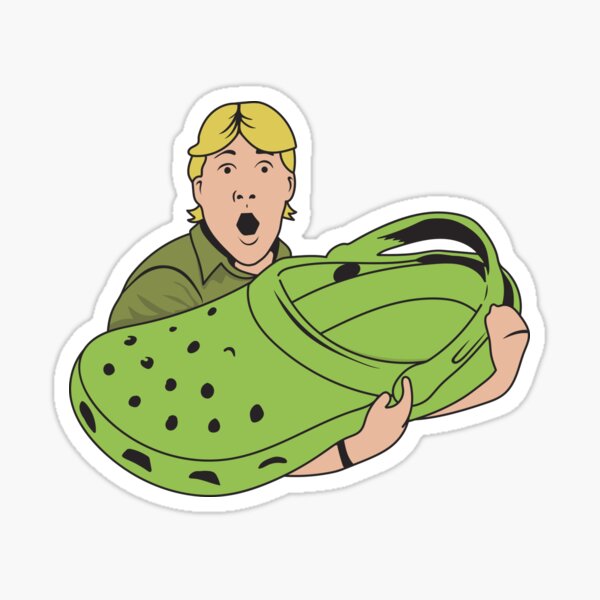
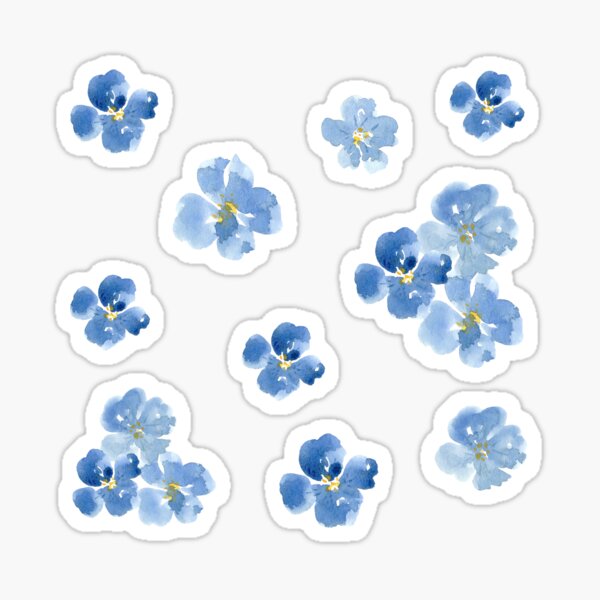
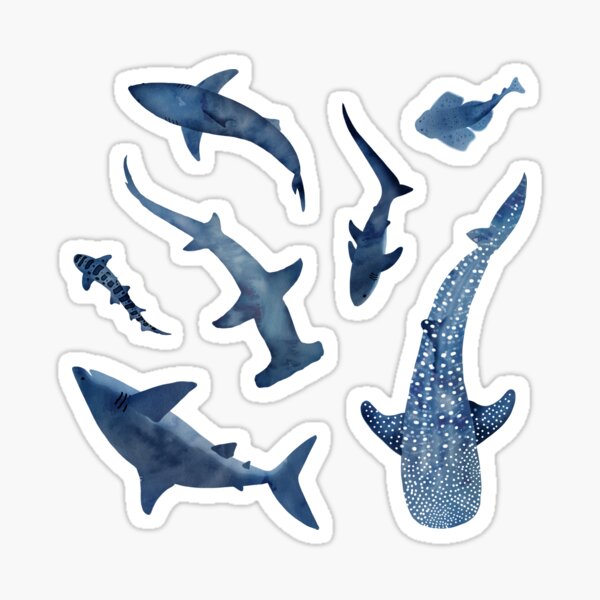
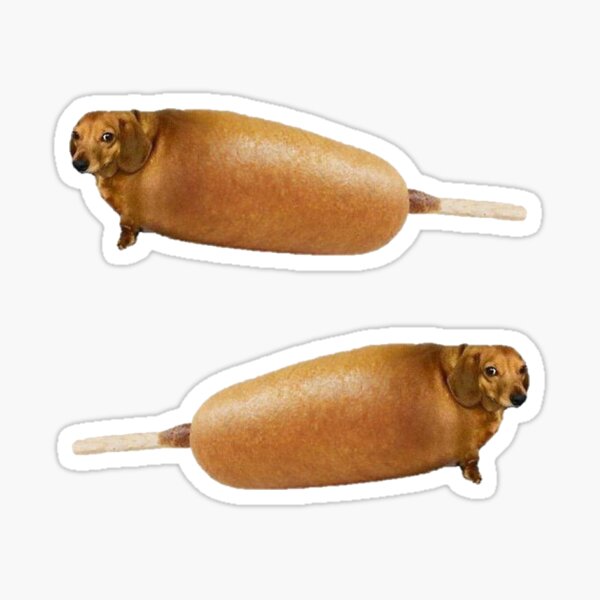
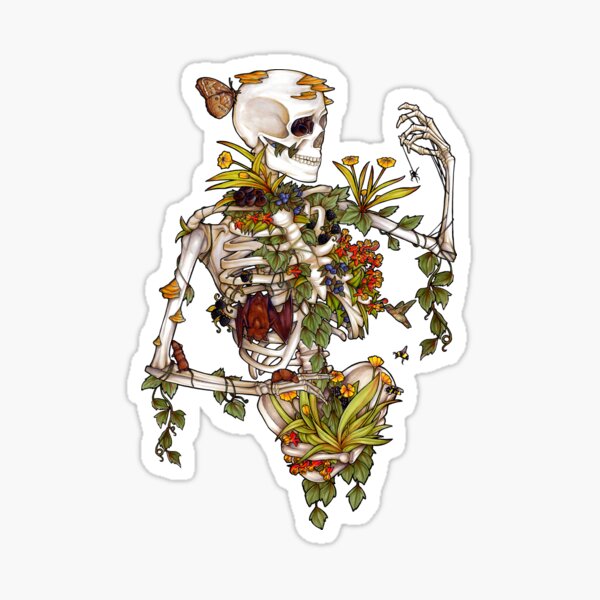
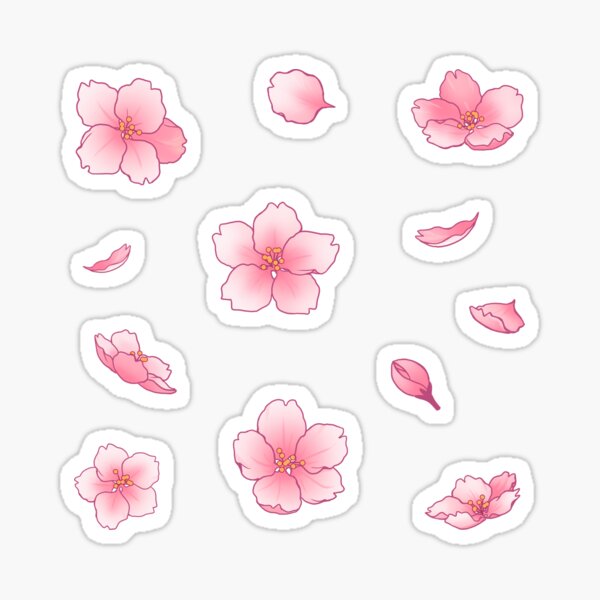


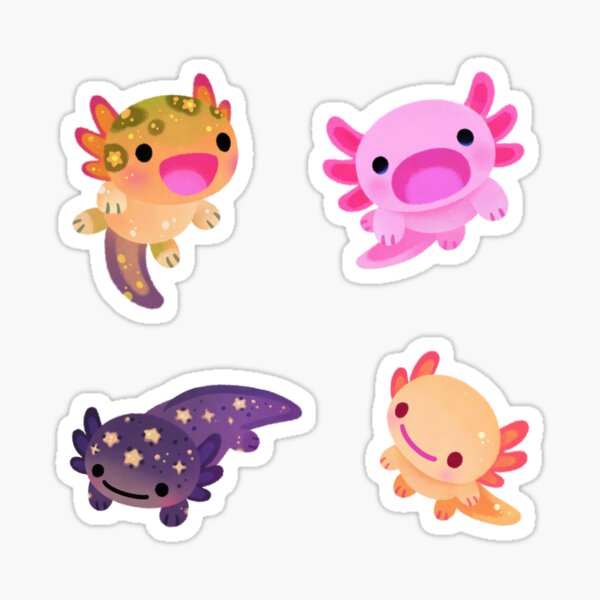
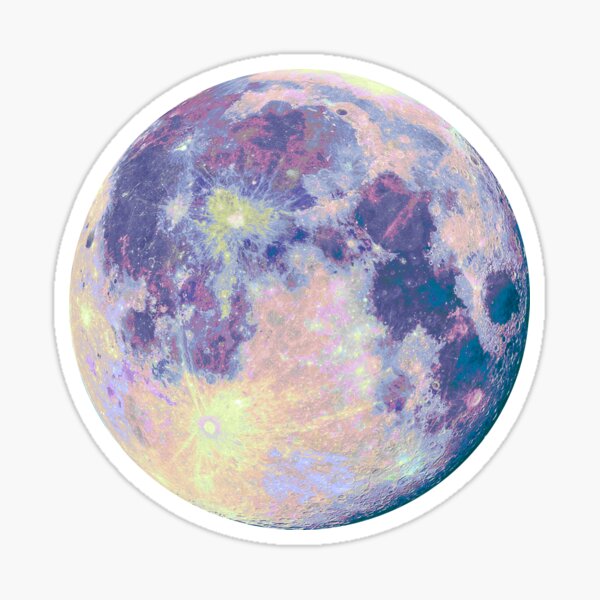

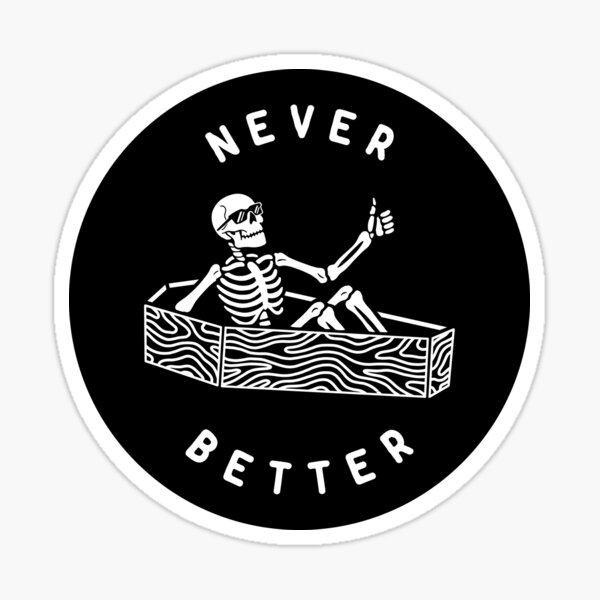
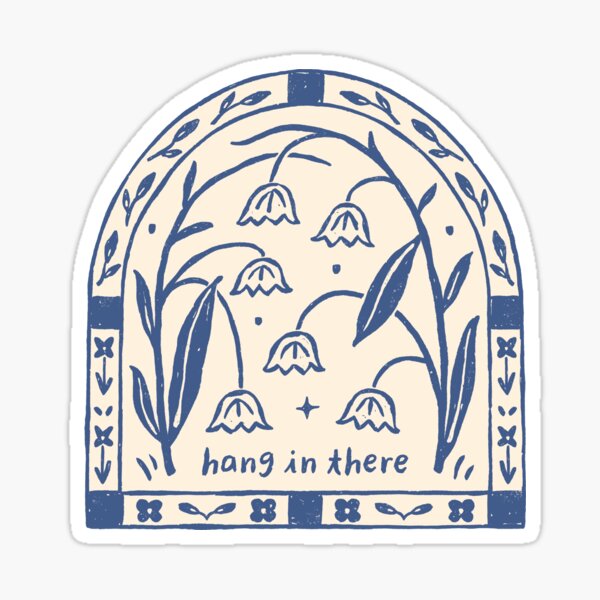


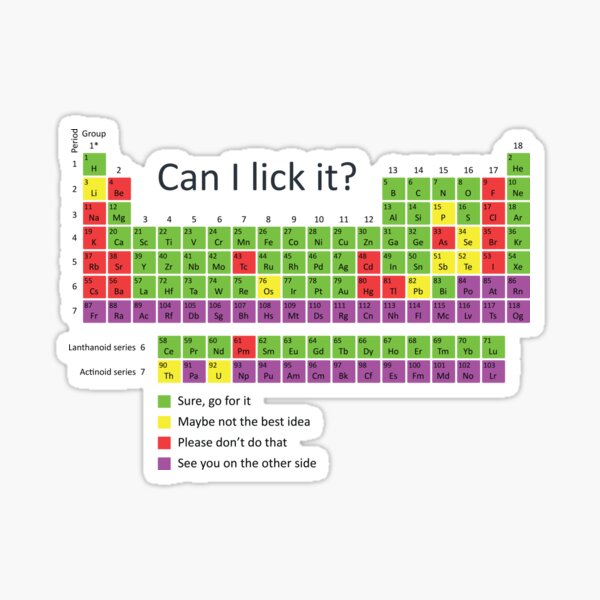





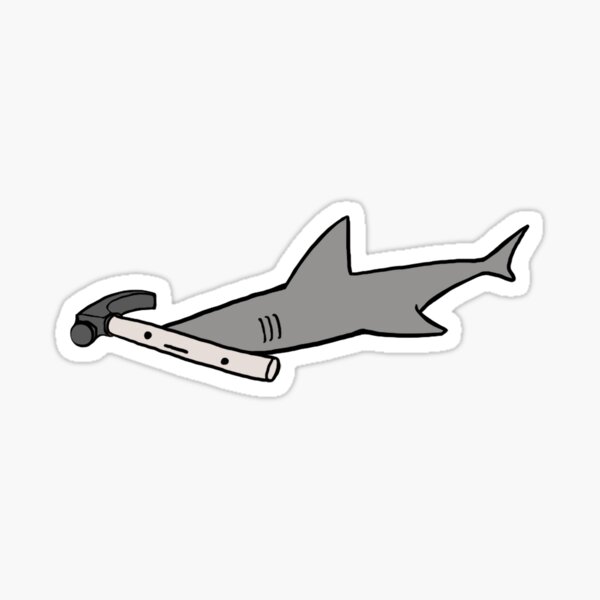






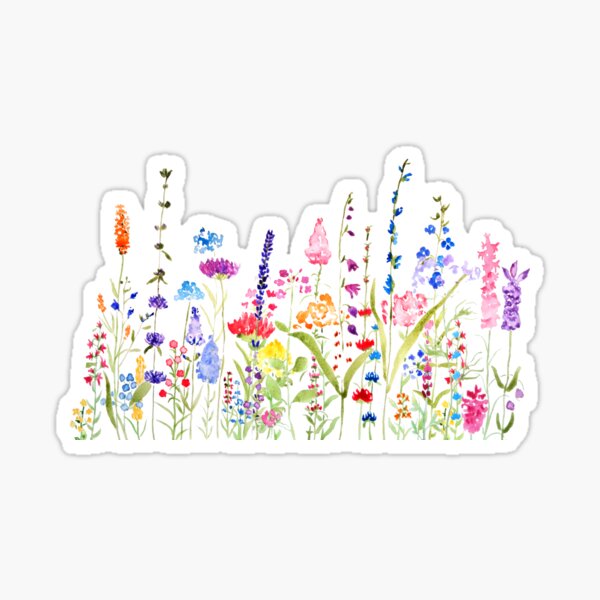



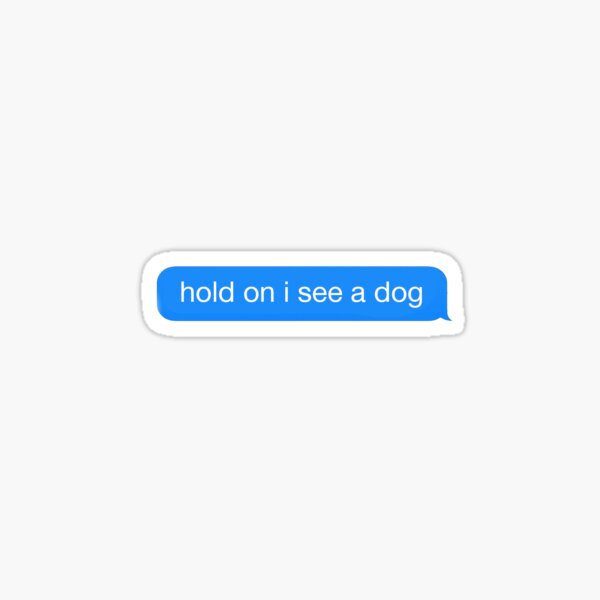
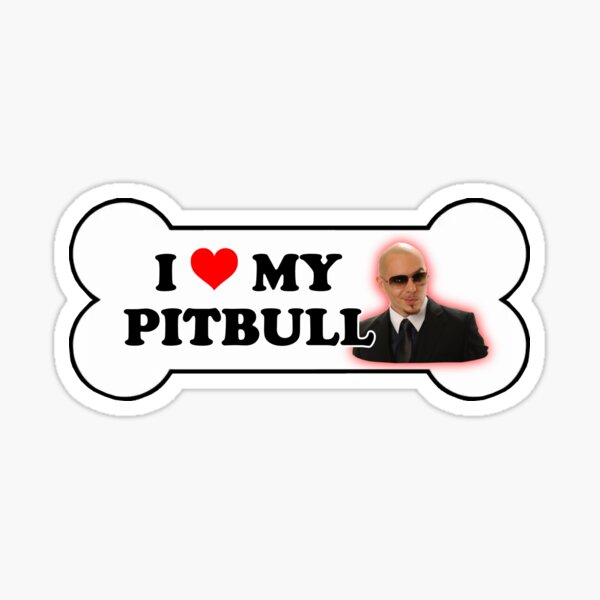
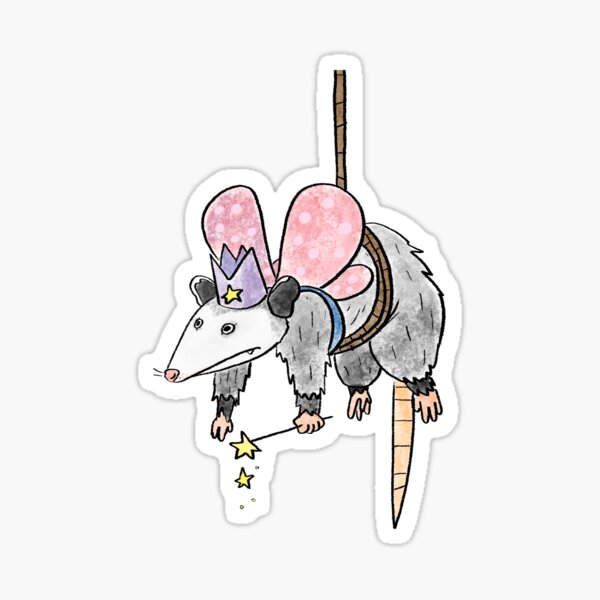
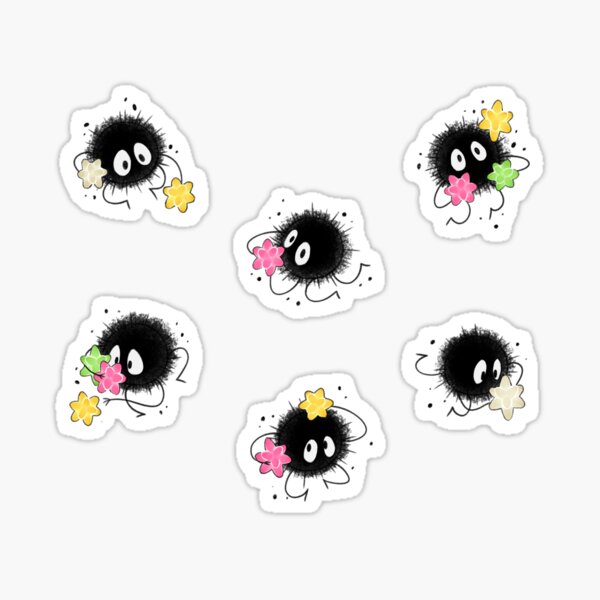



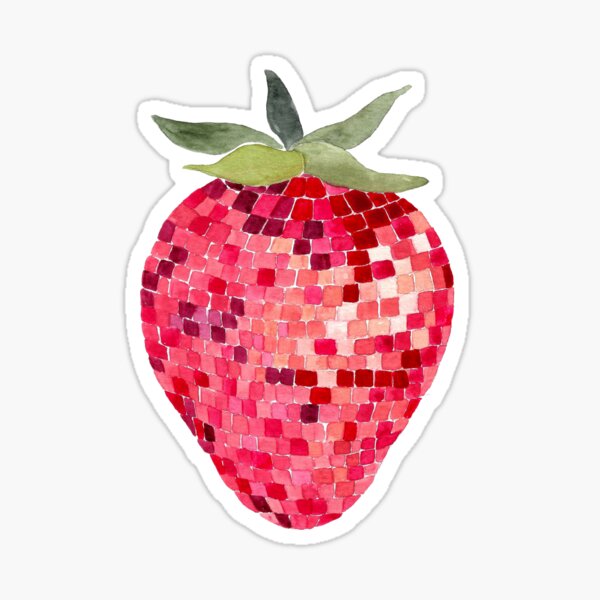




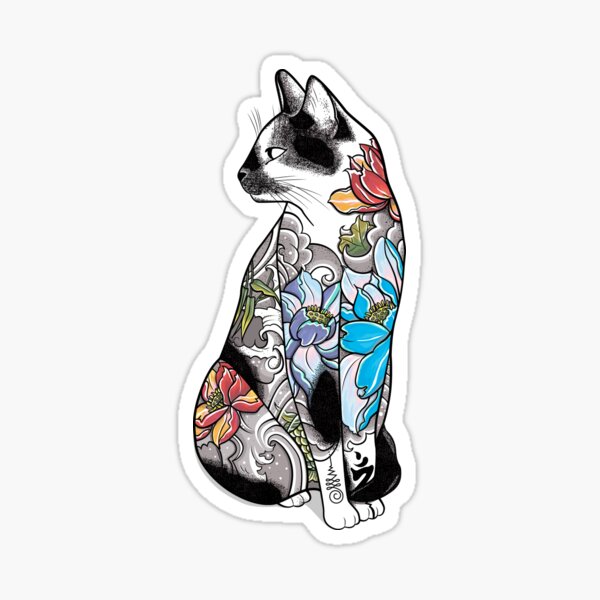
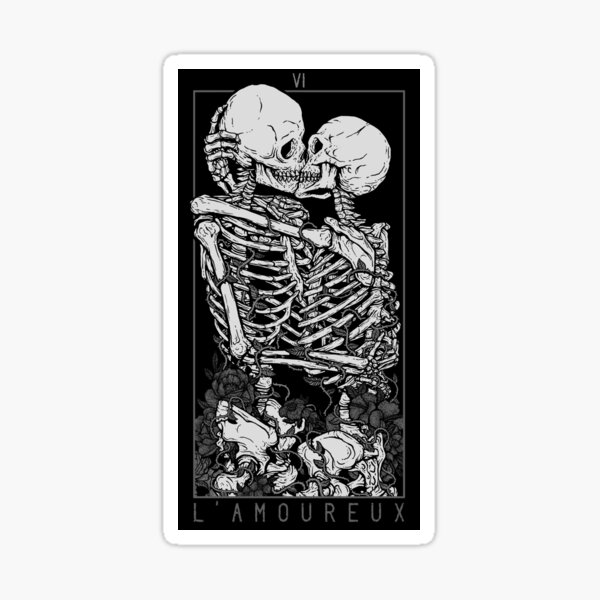



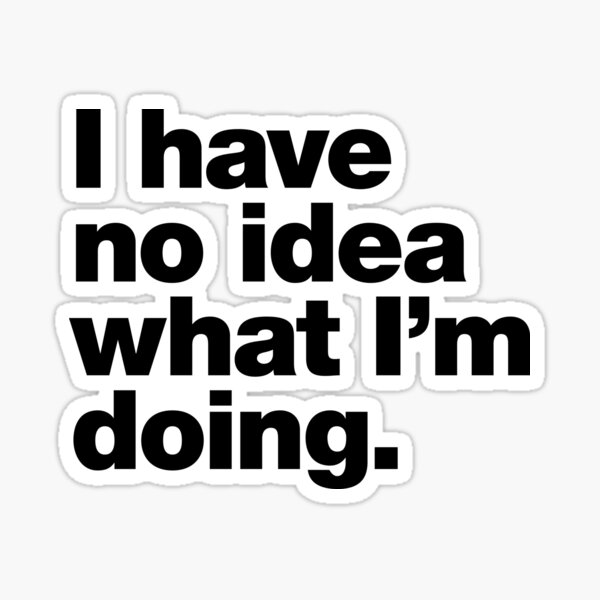

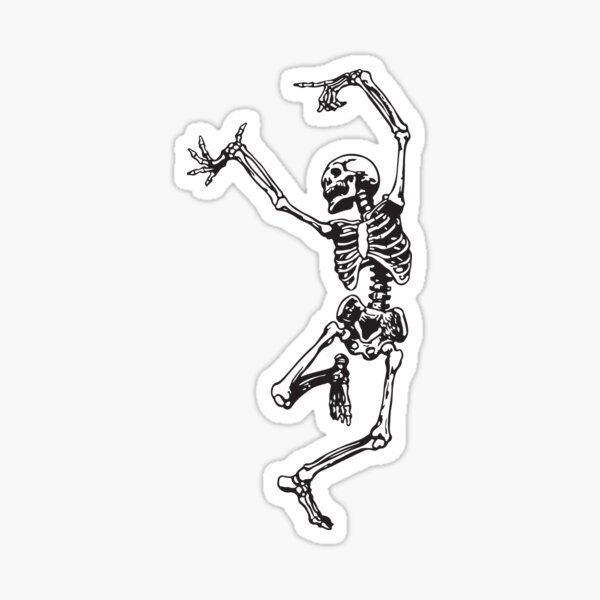





Turn the back of your laptop into something more personal with laptop stickers and decals created in thousands of different styles. Browse cool laptop stickers, cute designs, funny artwork, decorative graphics, and original illustrations for laptops, notebooks, PCs, and computer cases.
Choose one statement-making laptop decal or combine several smaller stickers to create your own arrangement. Mix related designs around a theme, use different sizes to create a collage, or explore laptop sticker packs when you want several coordinated designs.
Laptop Sticker IdeasNot sure how to decorate your laptop? Try building your collection around a favorite interest, aesthetic, or color palette.
- Cute characters and colorful illustrations
- Funny sayings, memes, and conversation starters
- Music, travel, sports, and pop-culture-inspired artwork
- Minimalist graphics and artsy computer stickers
- Coordinated decals arranged around the laptop logo
- Small stickers placed along the corners and edges
Before applying a sticker, clean and dry the surface so it can sit smoothly. Check the individual product information when looking for a particular size, finish, material, or removable laptop sticker.
Shop Laptop Stickers for Every Kind of ComputerExplore laptop decoration stickers for MacBooks, Windows laptops, notebooks, PCs, and other compatible smooth surfaces. Discover trendy laptop stickers, playful illustrations, vinyl laptop decals, and simple designs that add a small personal touch to your setup.
Browse the collection to find your next laptop sticker, assemble your own sticker pack, or choose a creative gift for someone whose computer could use more personality.
Frequently Asked Questions About Laptop Stickers What are the best stickers for a laptop?The best laptop stickers are designs that fit your personal style and the available space on your computer. Consider each sticker’s dimensions, shape, finish, material, and intended placement before choosing.
Where should I put stickers on my laptop?Laptop stickers are commonly placed on the back of the screen, where the designs remain visible while the computer is open. You can use one large decal, arrange several smaller stickers, or create a collage around the laptop logo.
Can laptop stickers be removed?Removability depends on the sticker, the laptop surface, and how long the sticker has been applied. Review the individual product information when easy removal is important to you.
How do I apply a sticker to my laptop?Clean and dry the laptop surface before application. Position the sticker carefully, press it down from one side to the other, and smooth out any trapped air as you apply it.
Can I combine multiple laptop stickers?Yes. You can combine stickers of different sizes to create a collage or select designs with related colors, subjects, or visual styles to build a coordinated laptop sticker collection.
Secure Payments
100% Secure Payment with 256-bit SSL encryption